Dn Brunovic Software
Welcome to our platform.
 Download App
What We Offer
Our comprehensive sales application helps you analyze, manage, track, and process all of your core business activities.
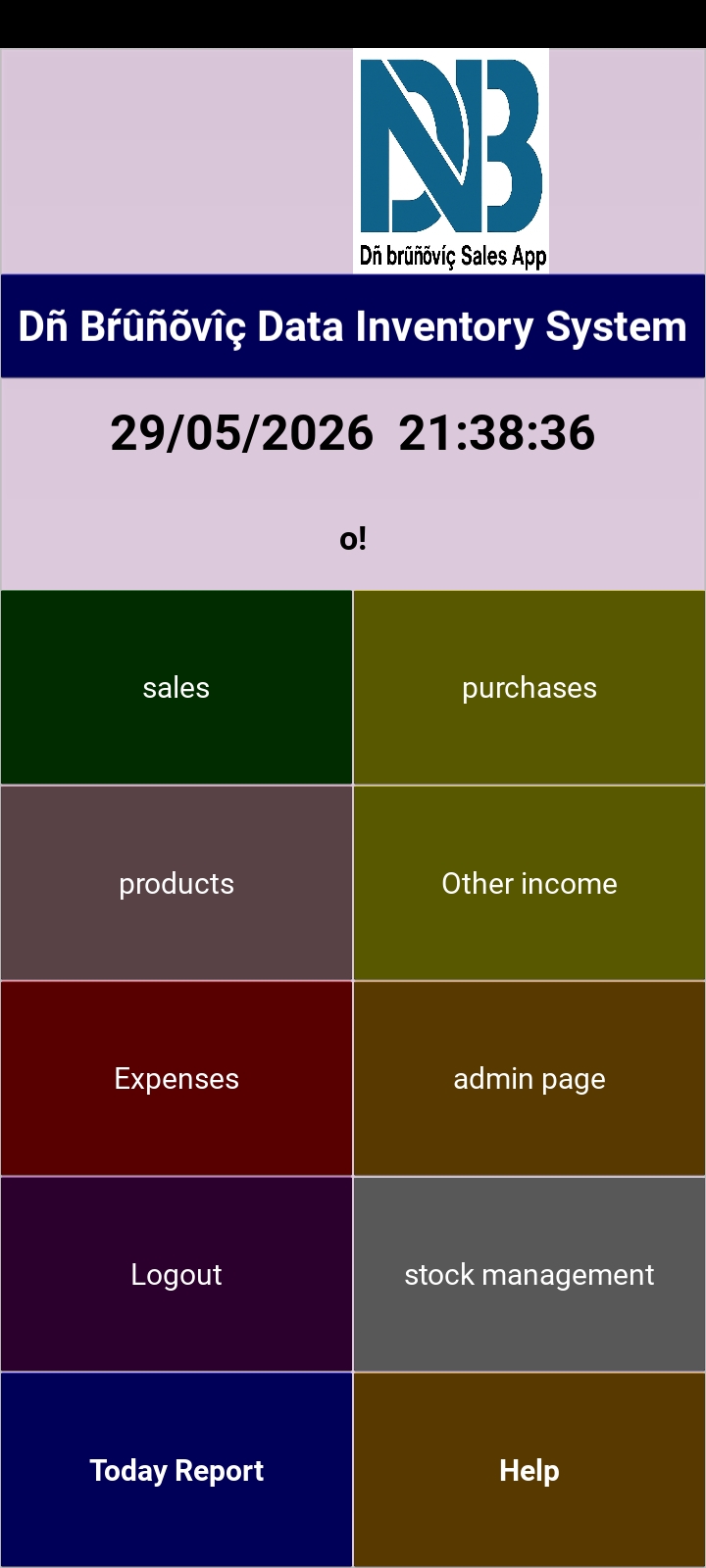
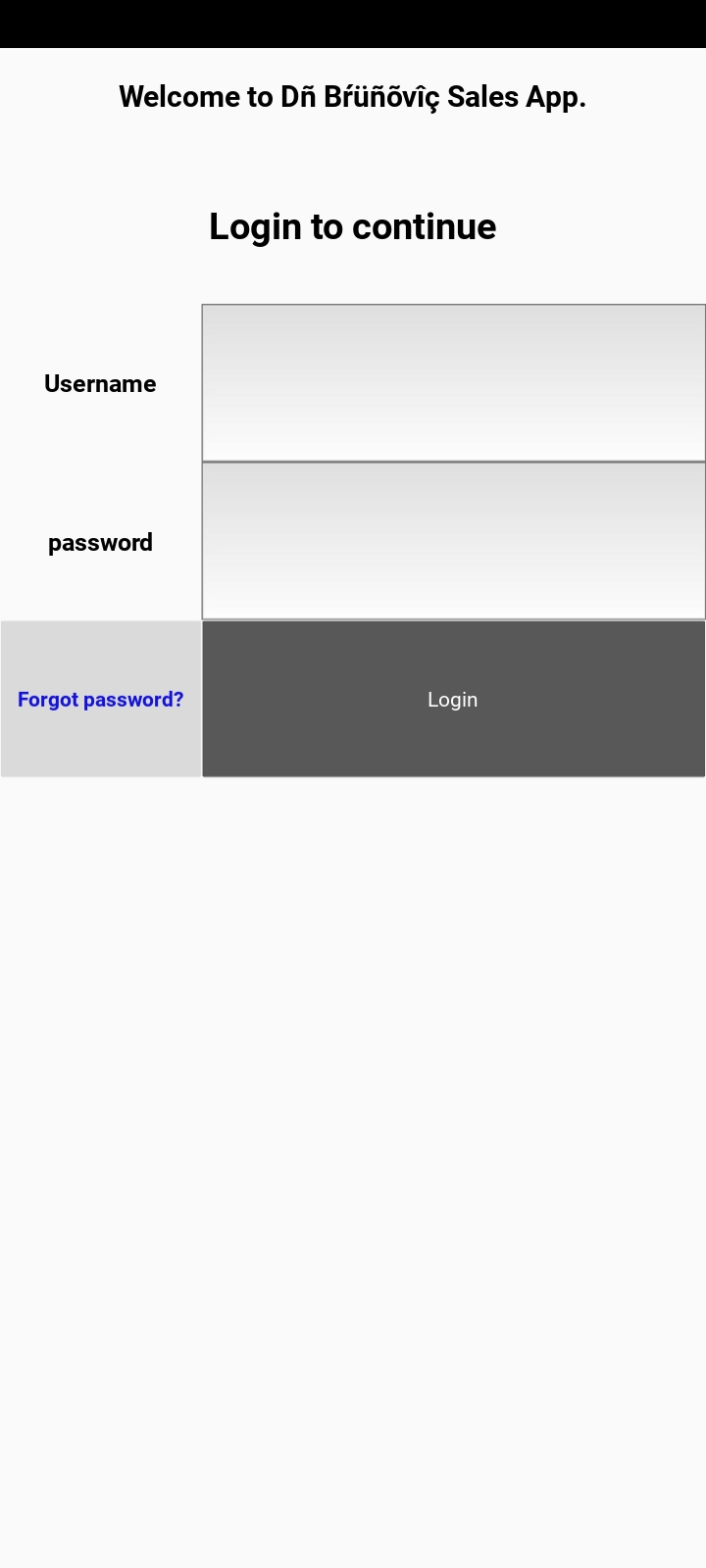
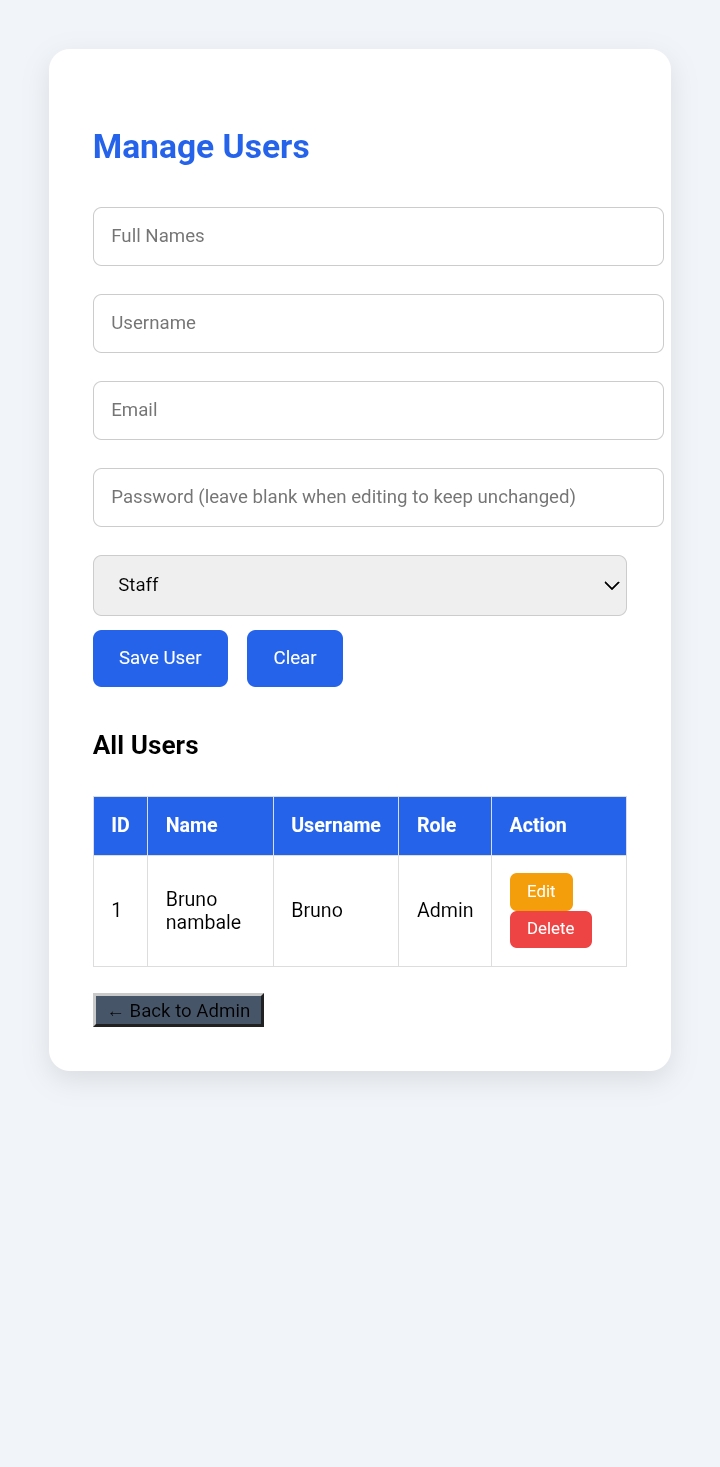
Built with robust security in mind, users must register and log in to access confidential business data. The system also supports multi-user management with customizable permission levels configured by the administrator.
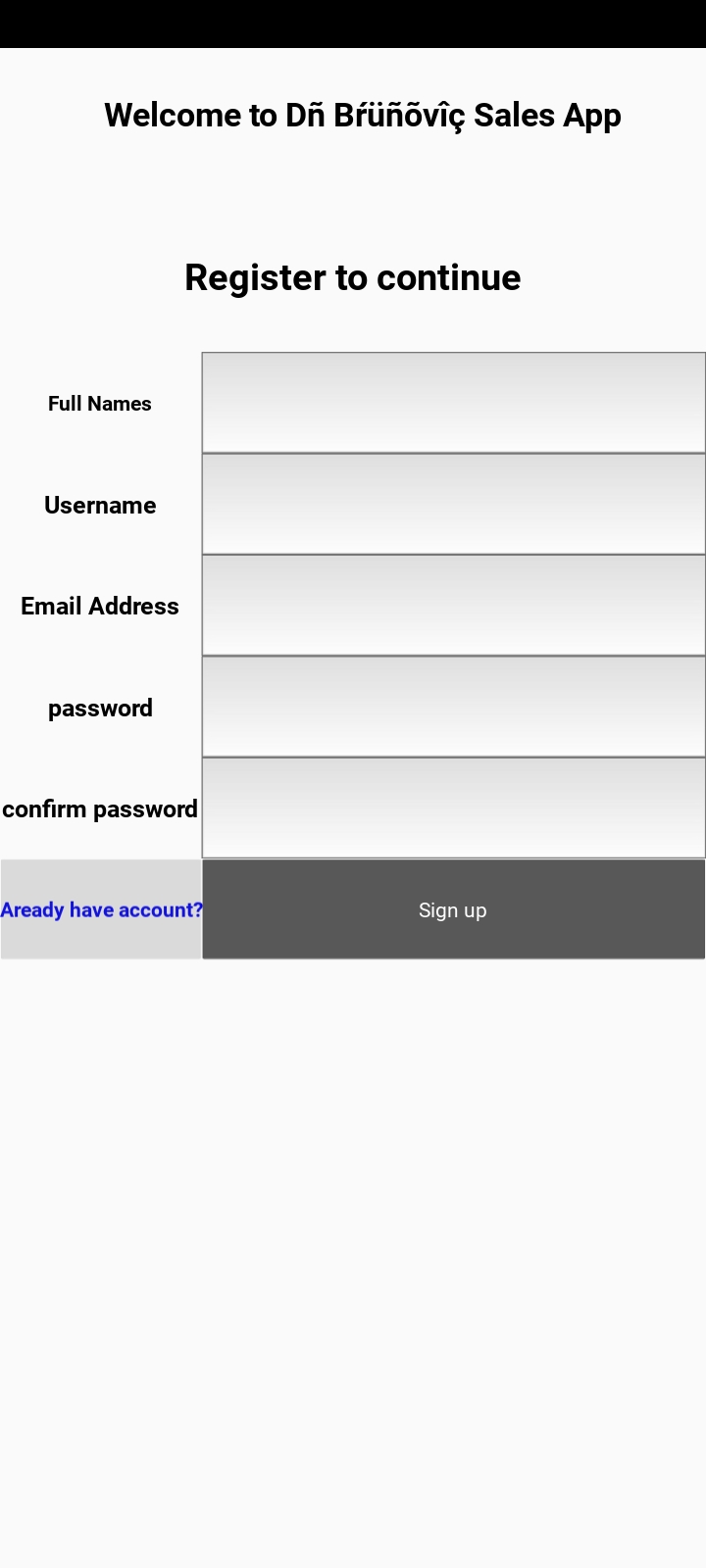
Once registered, authorized users can securely log into the system with their credentials, keeping your business records safe and reliable.
Products Section
Adding Products
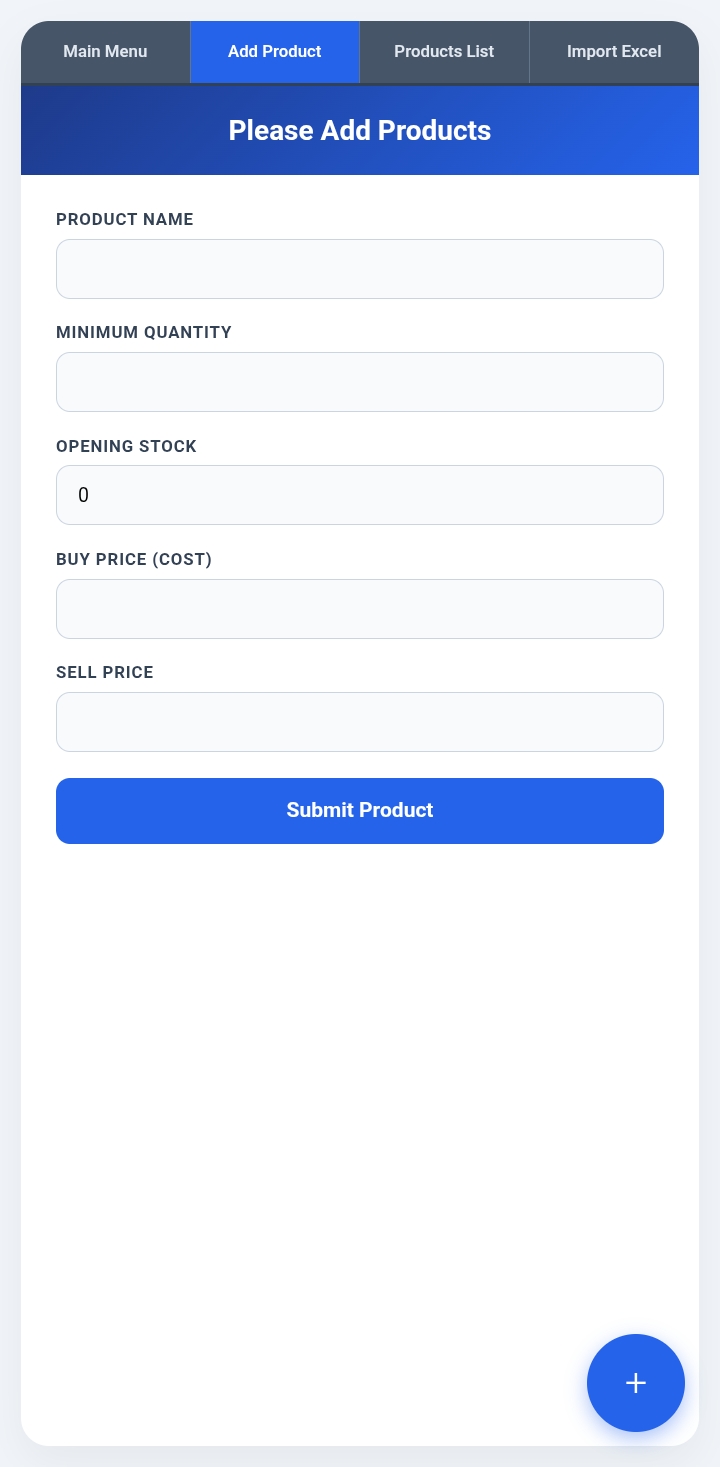
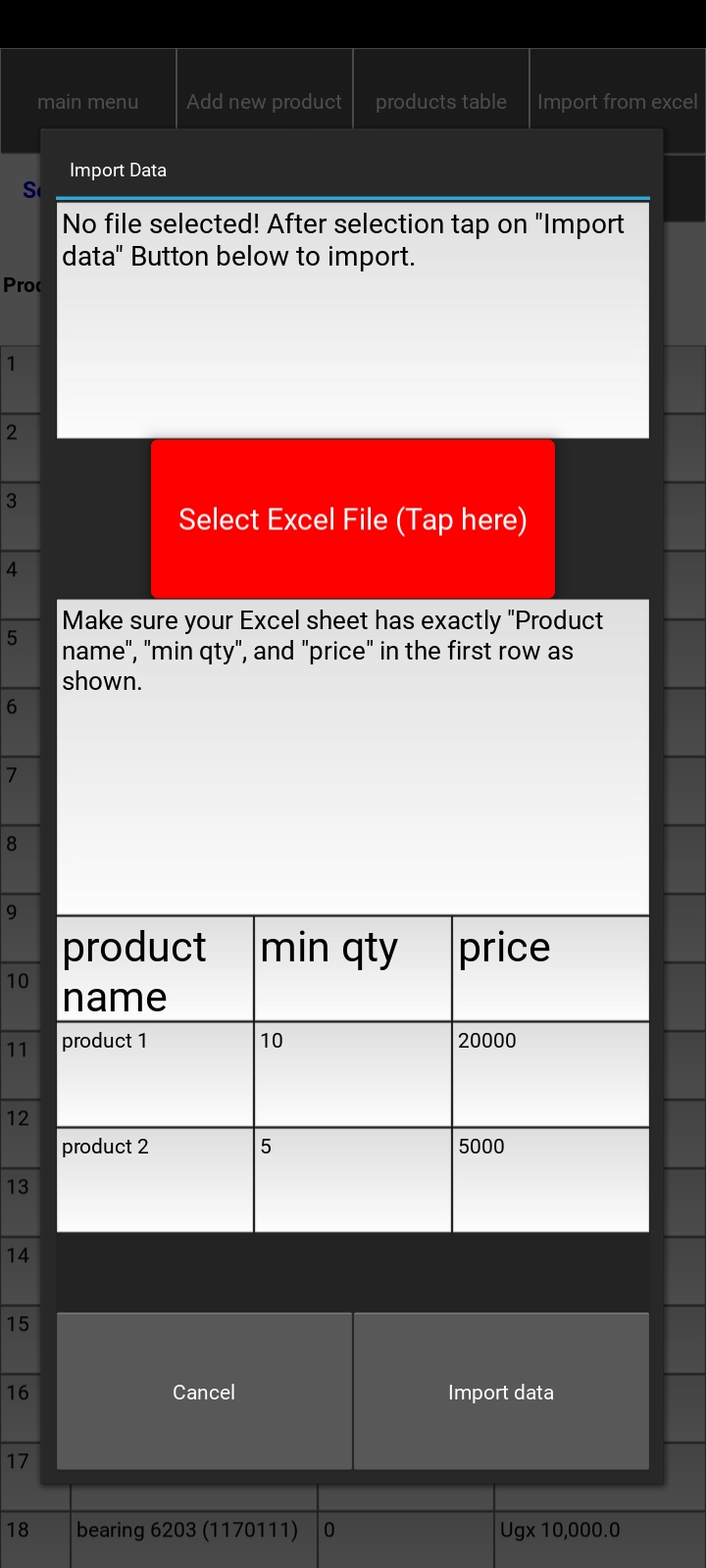
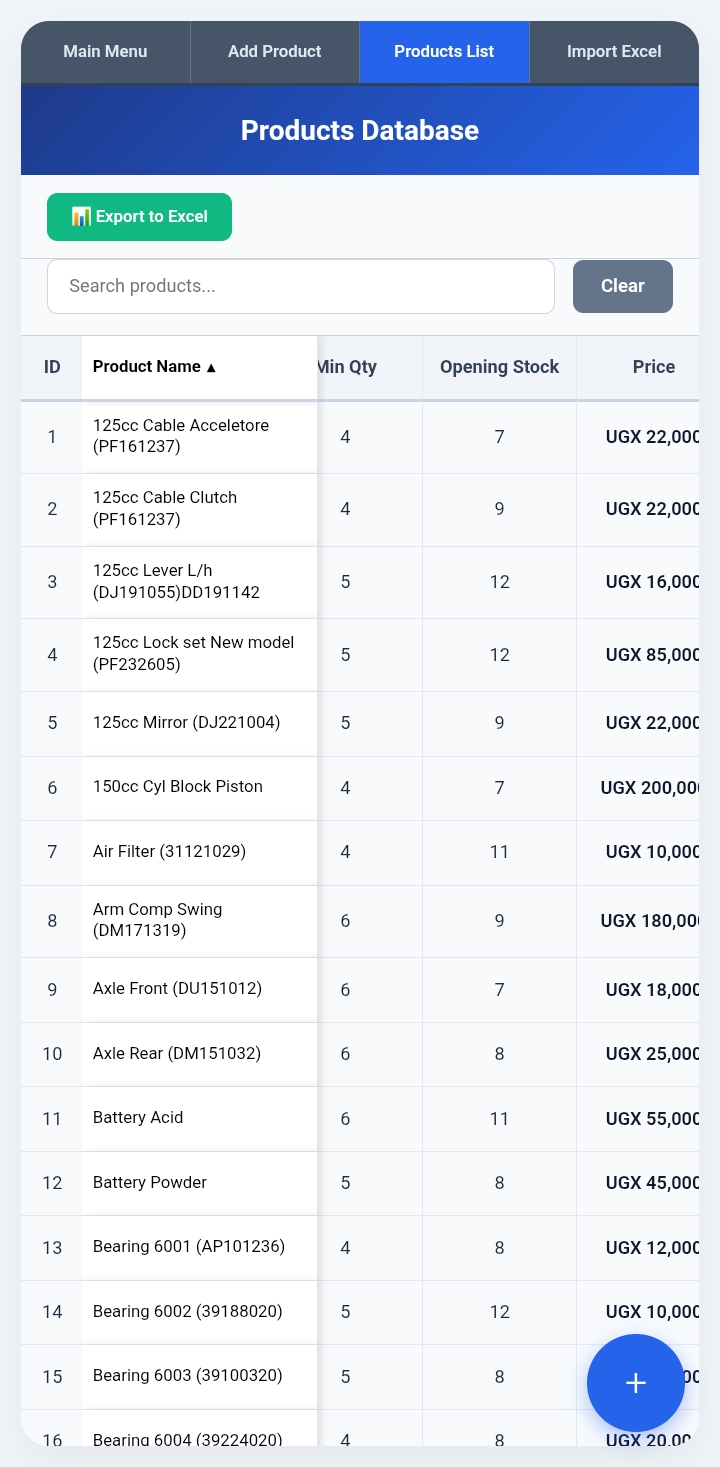
Before recording sales or updating inventory, you will need to add your products. You can add items individually or import them in bulk using Excel. Download our Excel template to view the required column formatting.
Purchases & Stock In
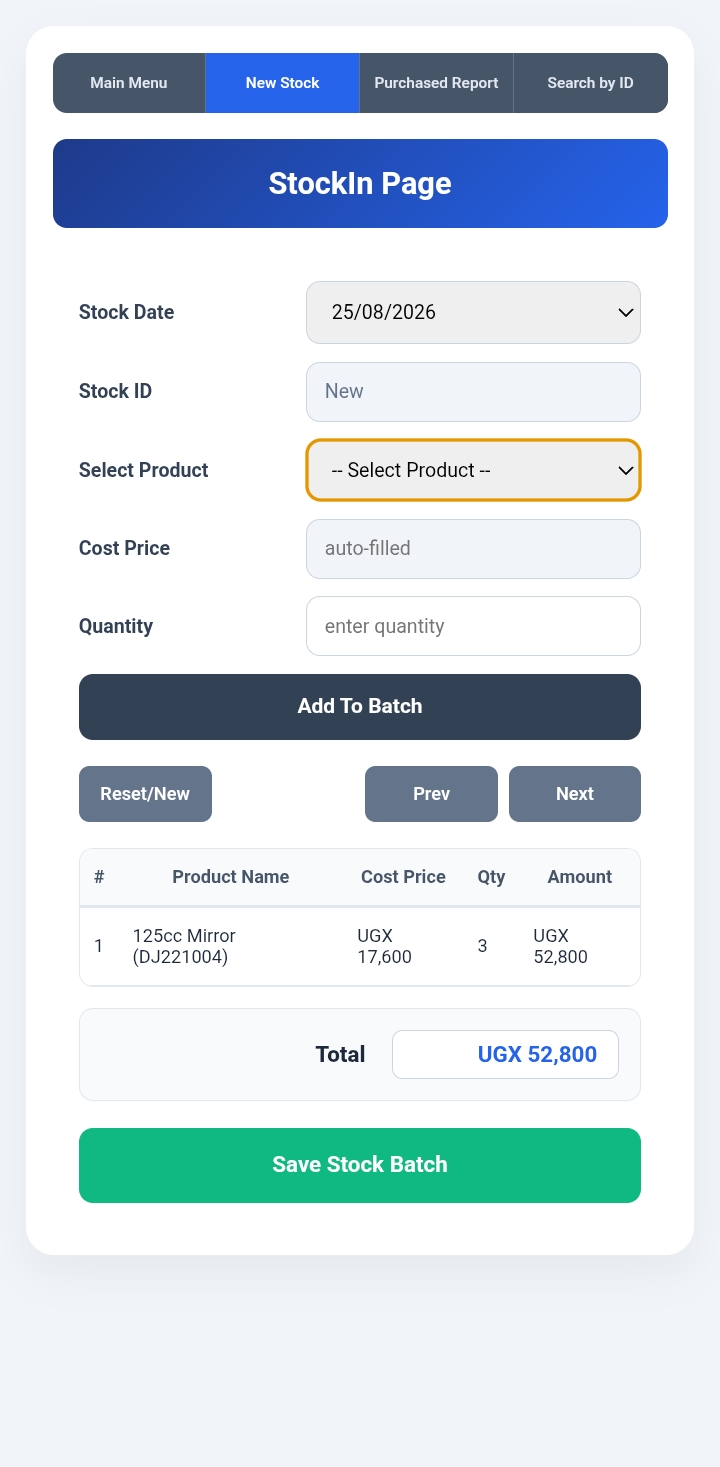
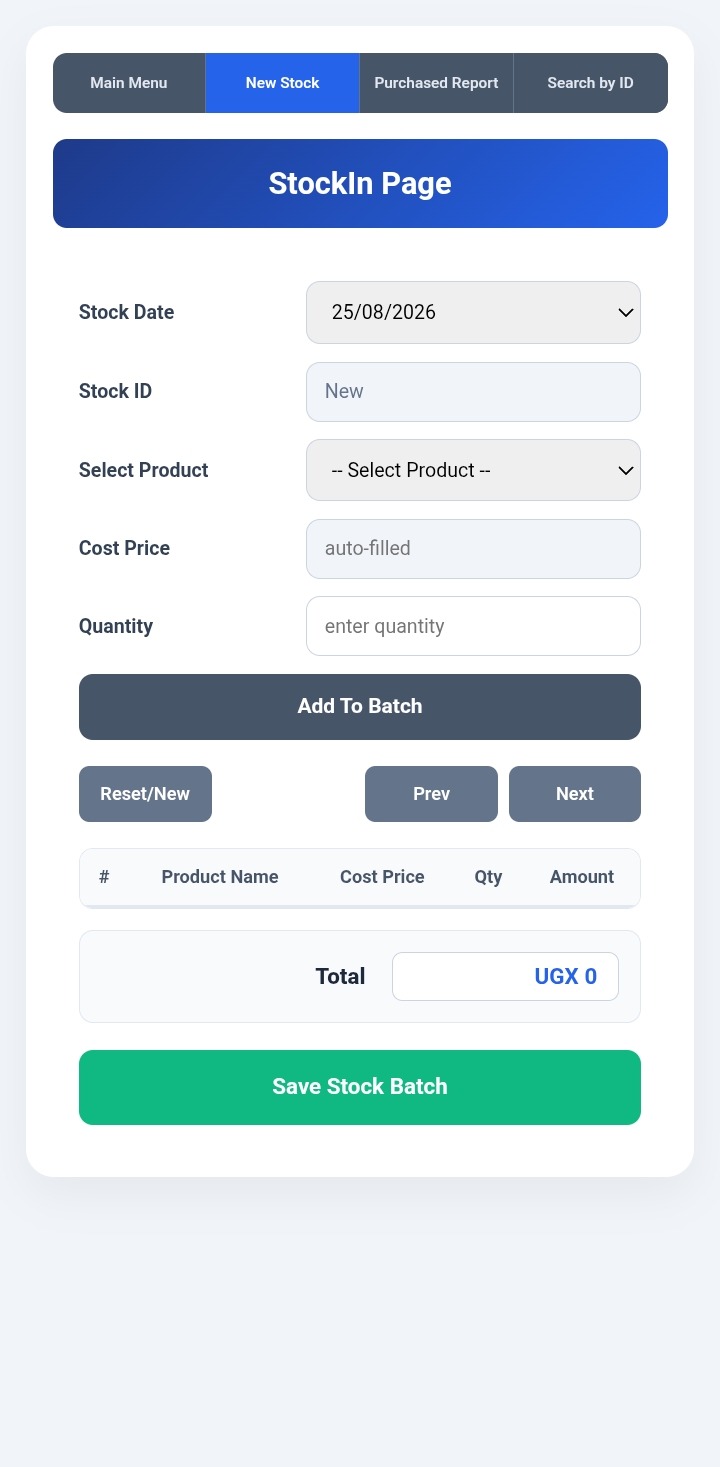
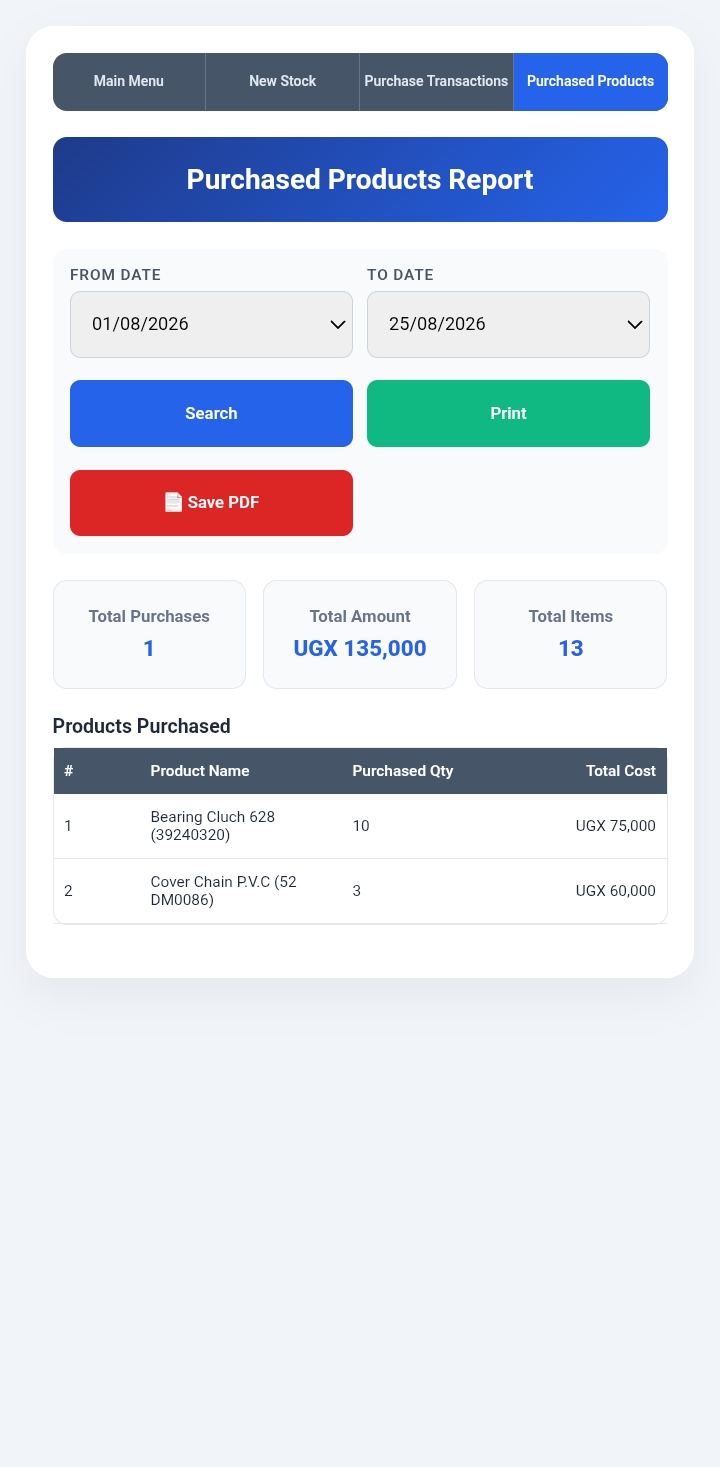
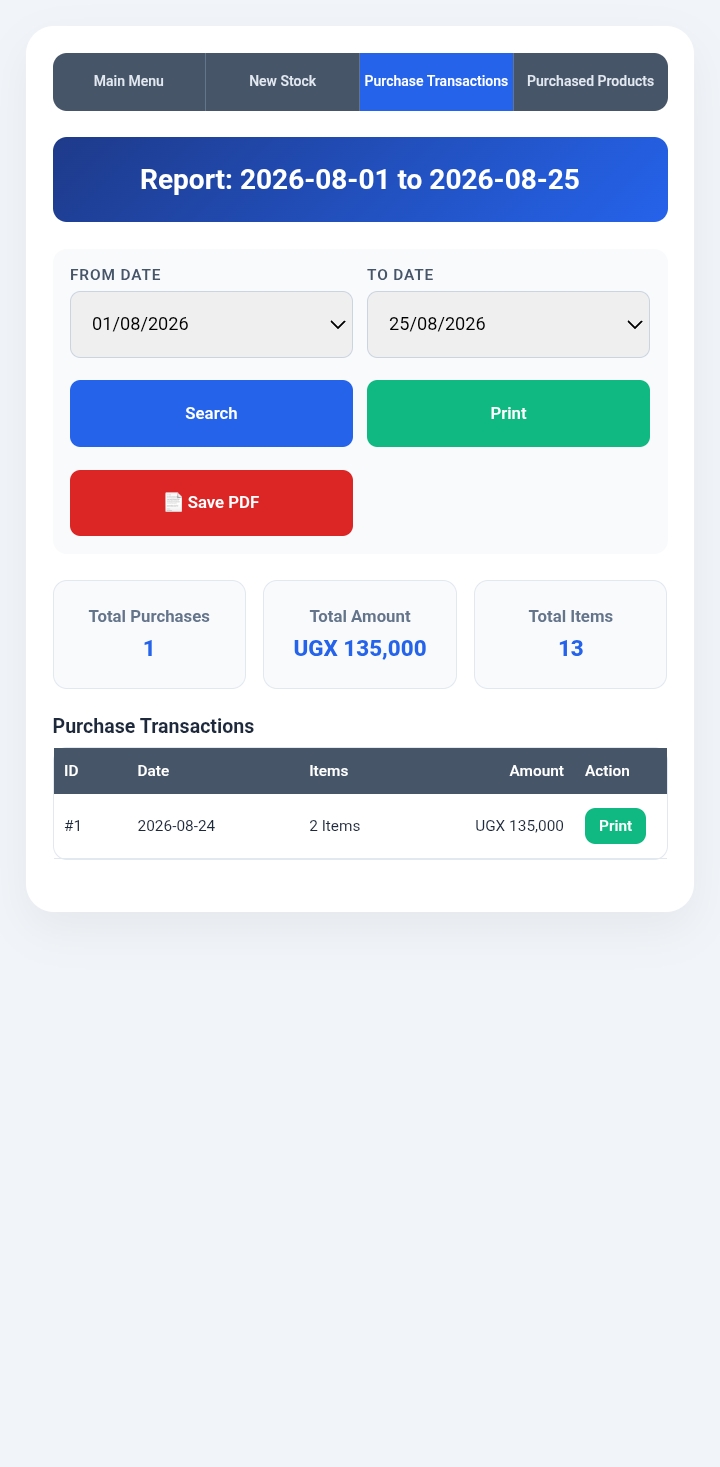
Purchase Reports
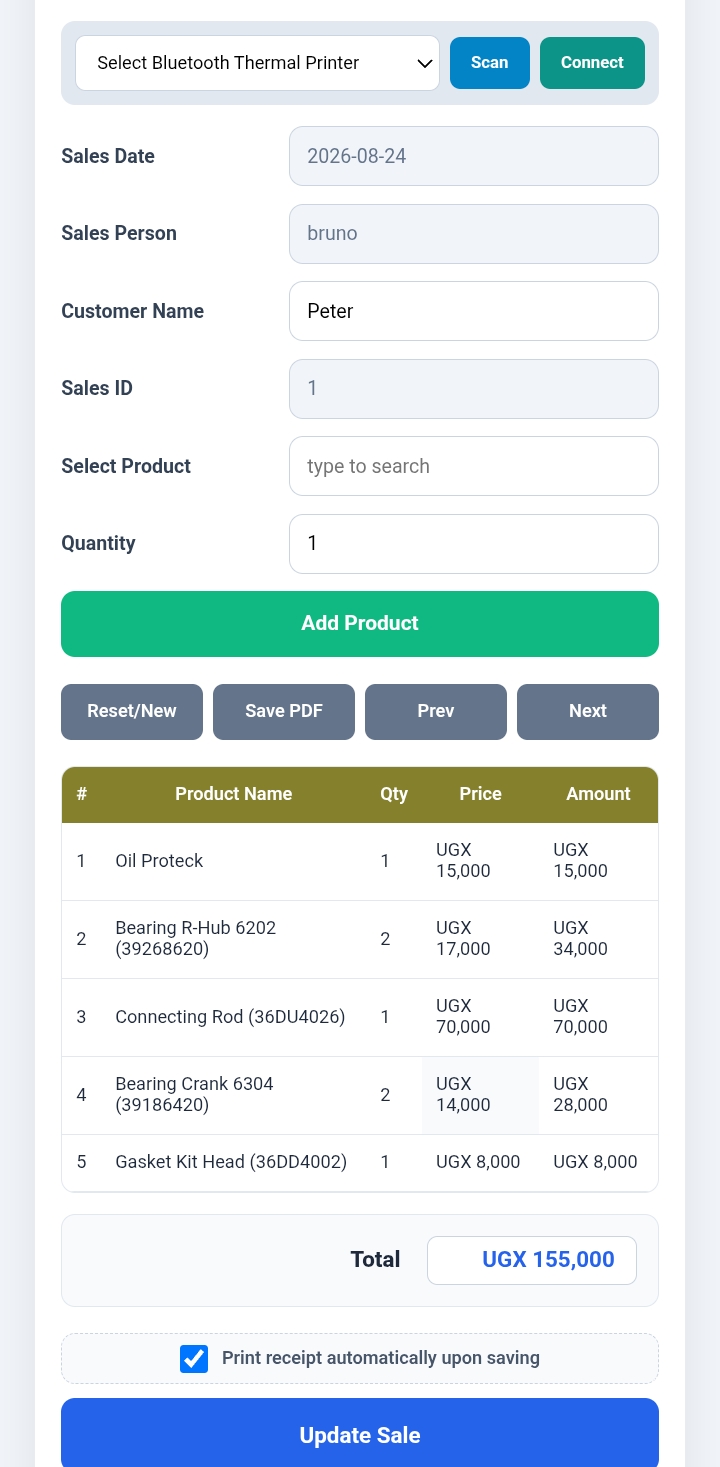
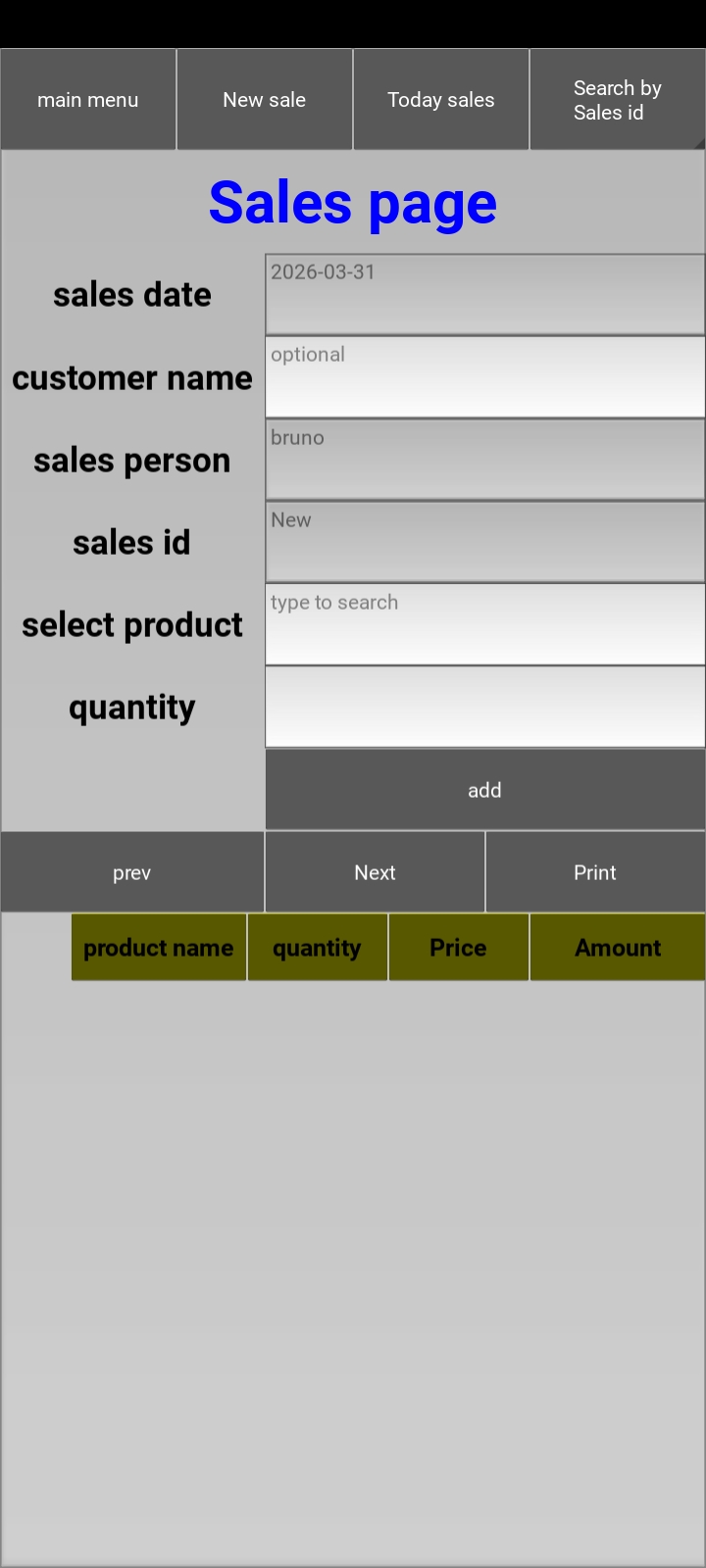
Sales Page
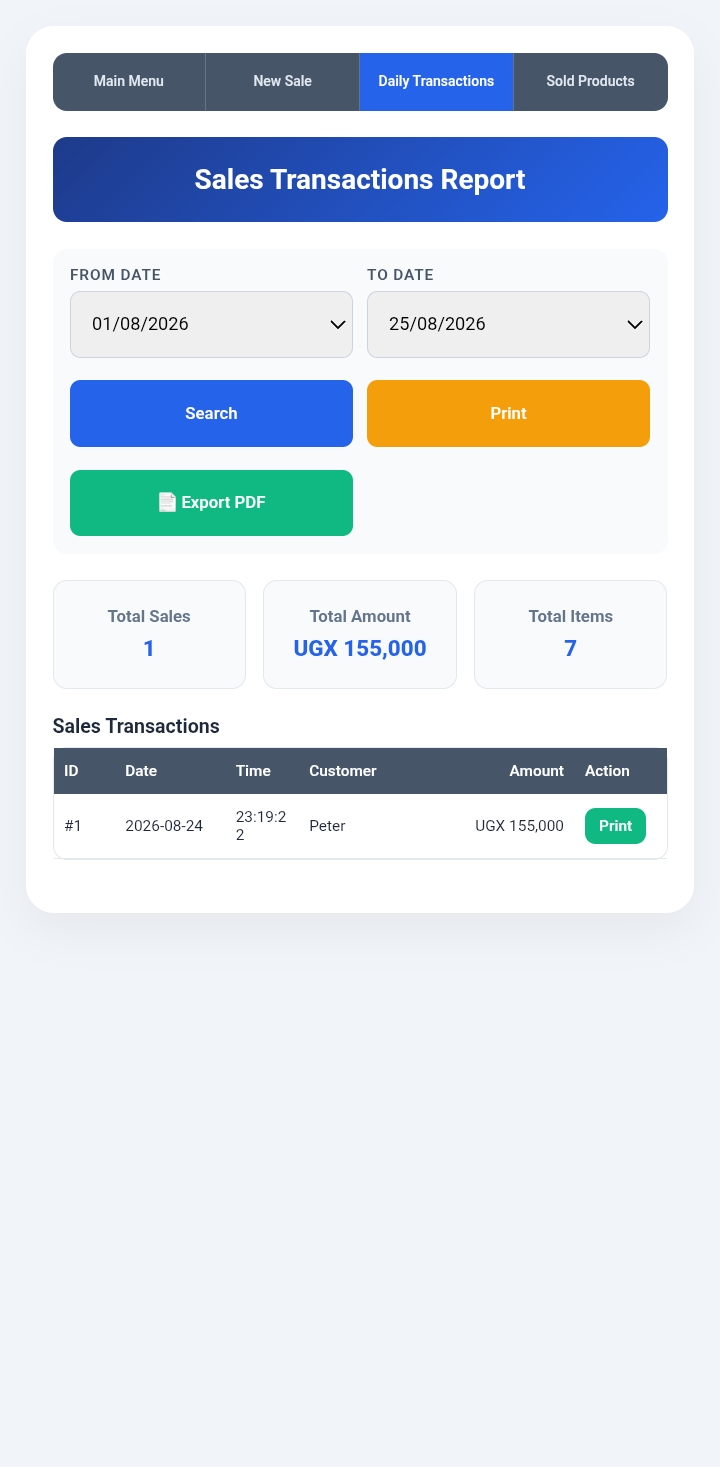
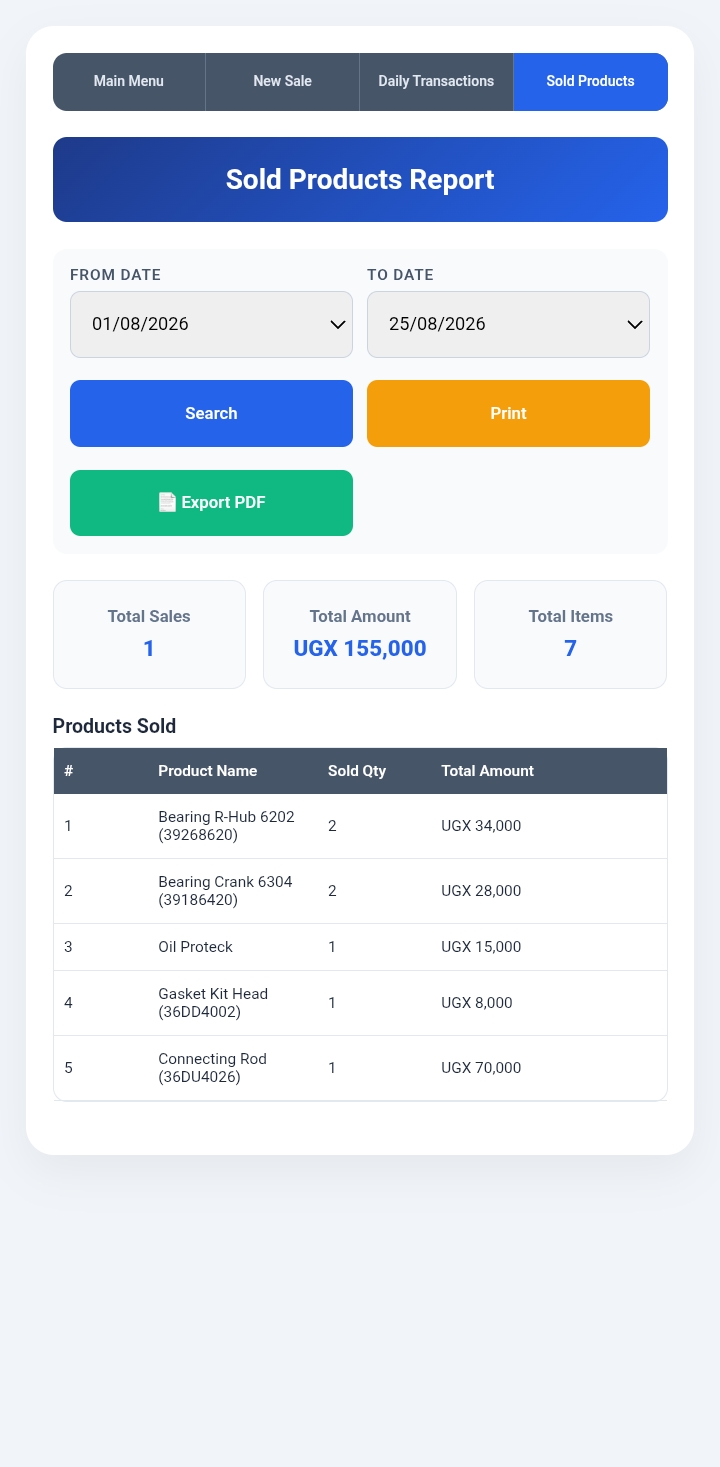
Sales Report
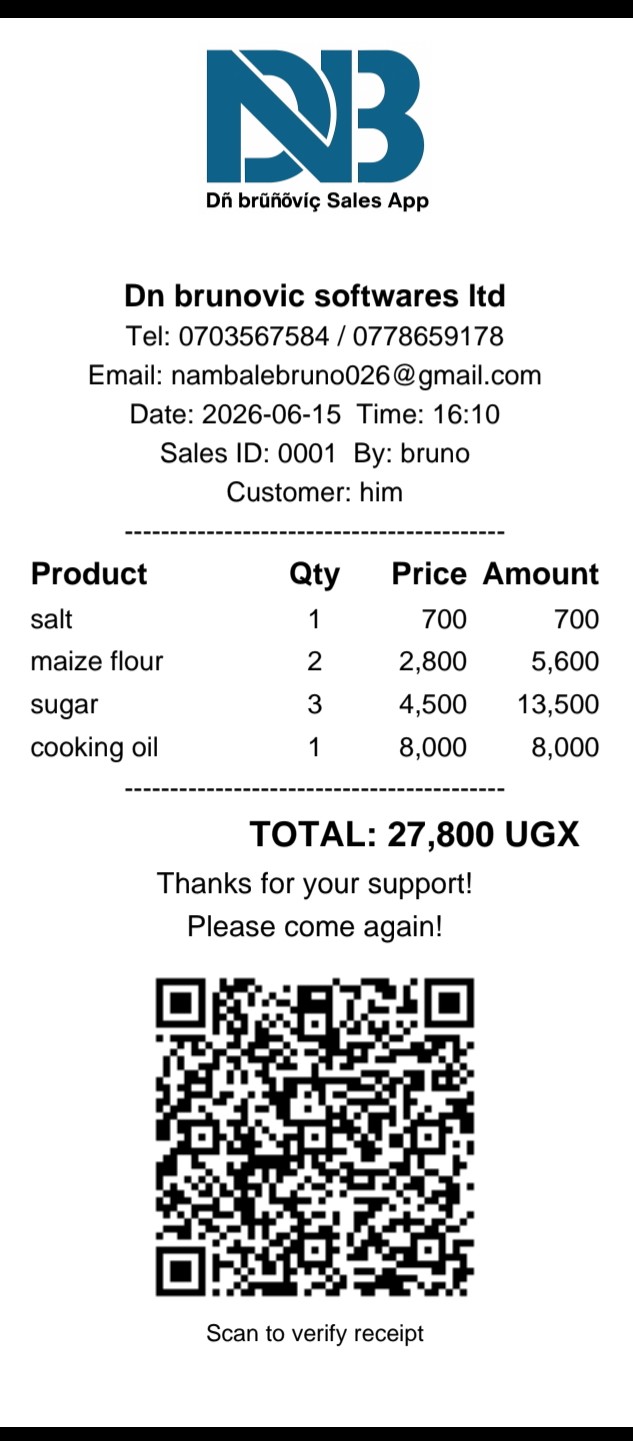
The integrated Point of Sale (POS) system issues customized receipts featuring your company name and logo. Business details can easily be updated through the sales app's admin page.
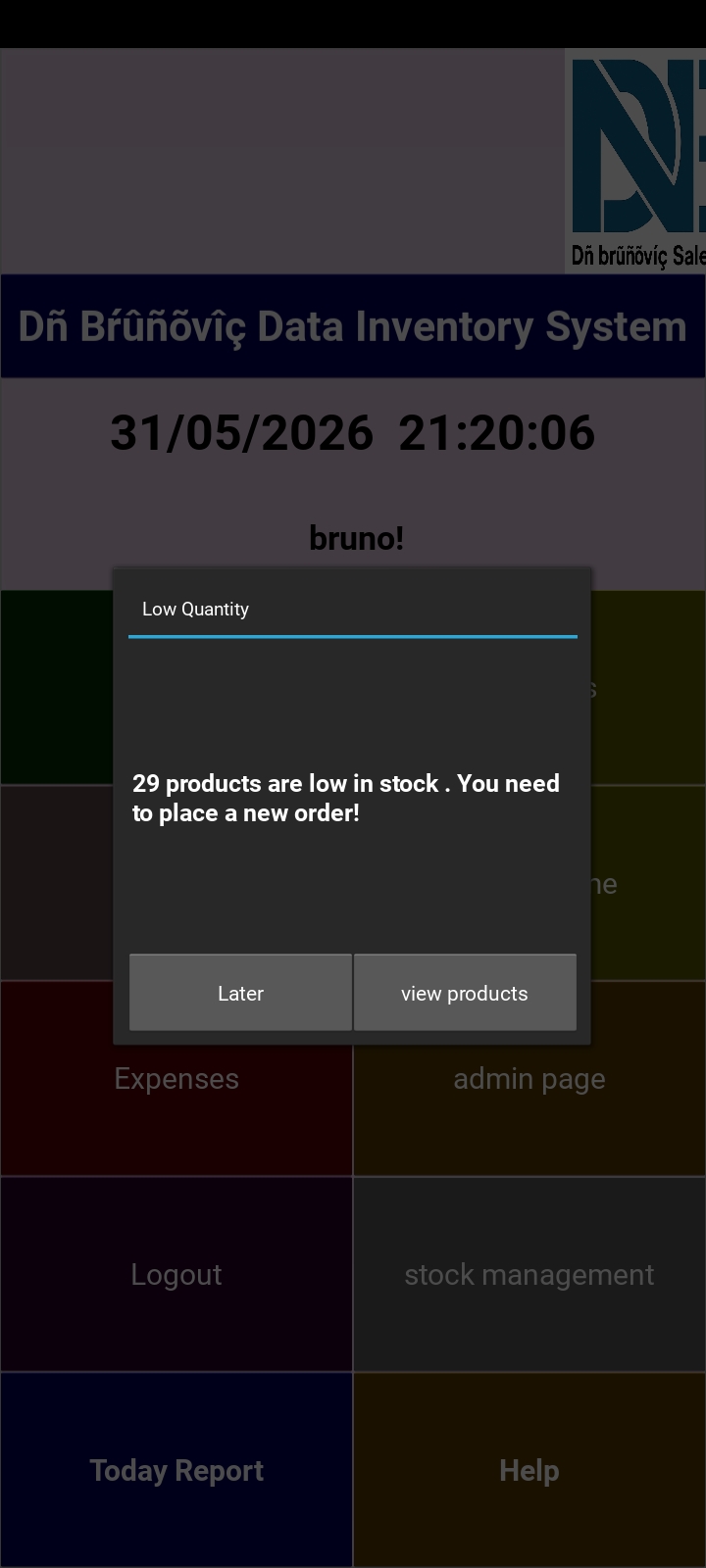
Whenever inventory drops to or below your configured minimum stock threshold, a notification alert will display on your main menu dashboard.
Monitor your daily performance with ease. Track total sales, inventory purchases, operating expenses, additional income, and your current balance in one centralized view.
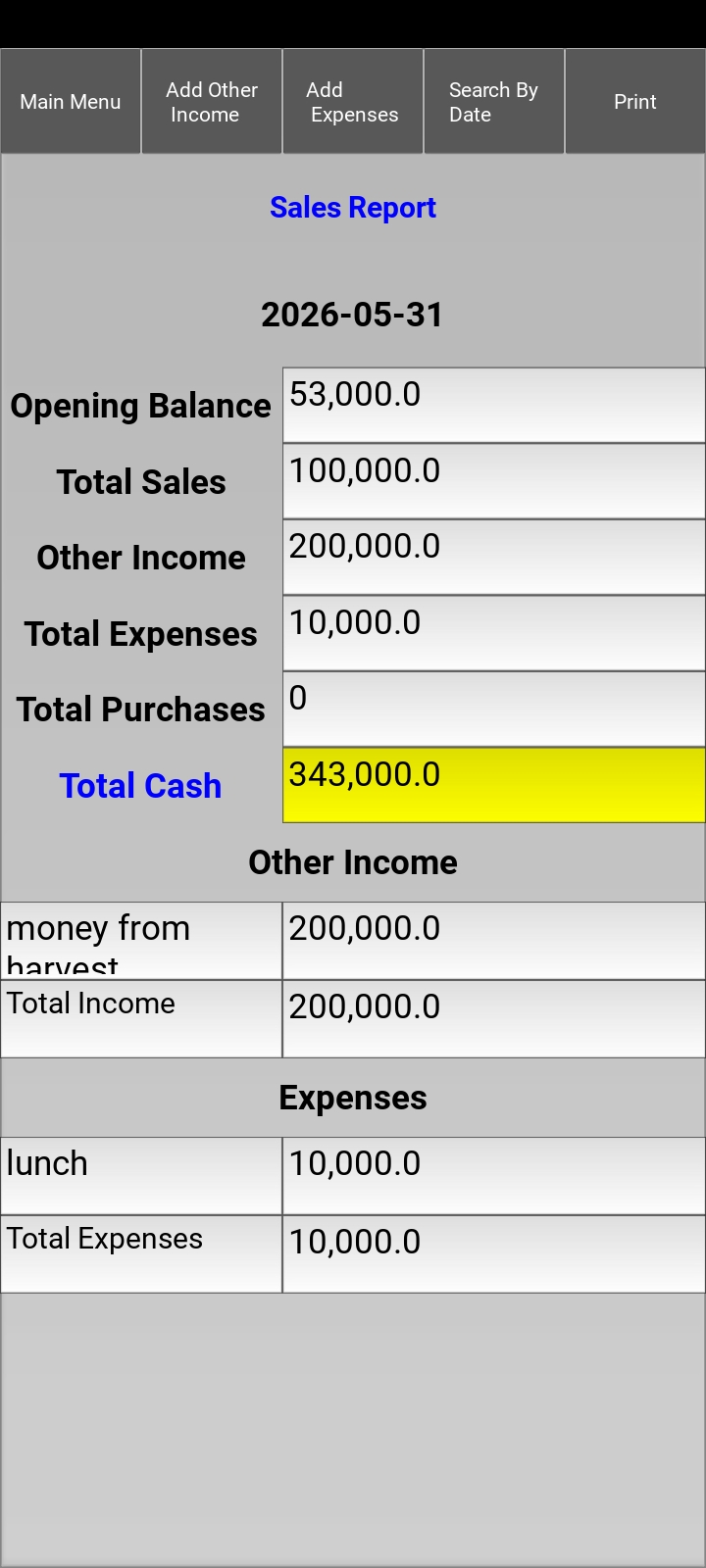
Automatic Opening Balance Updates: The current closing balance automatically carries over as the opening balance for your next business day.
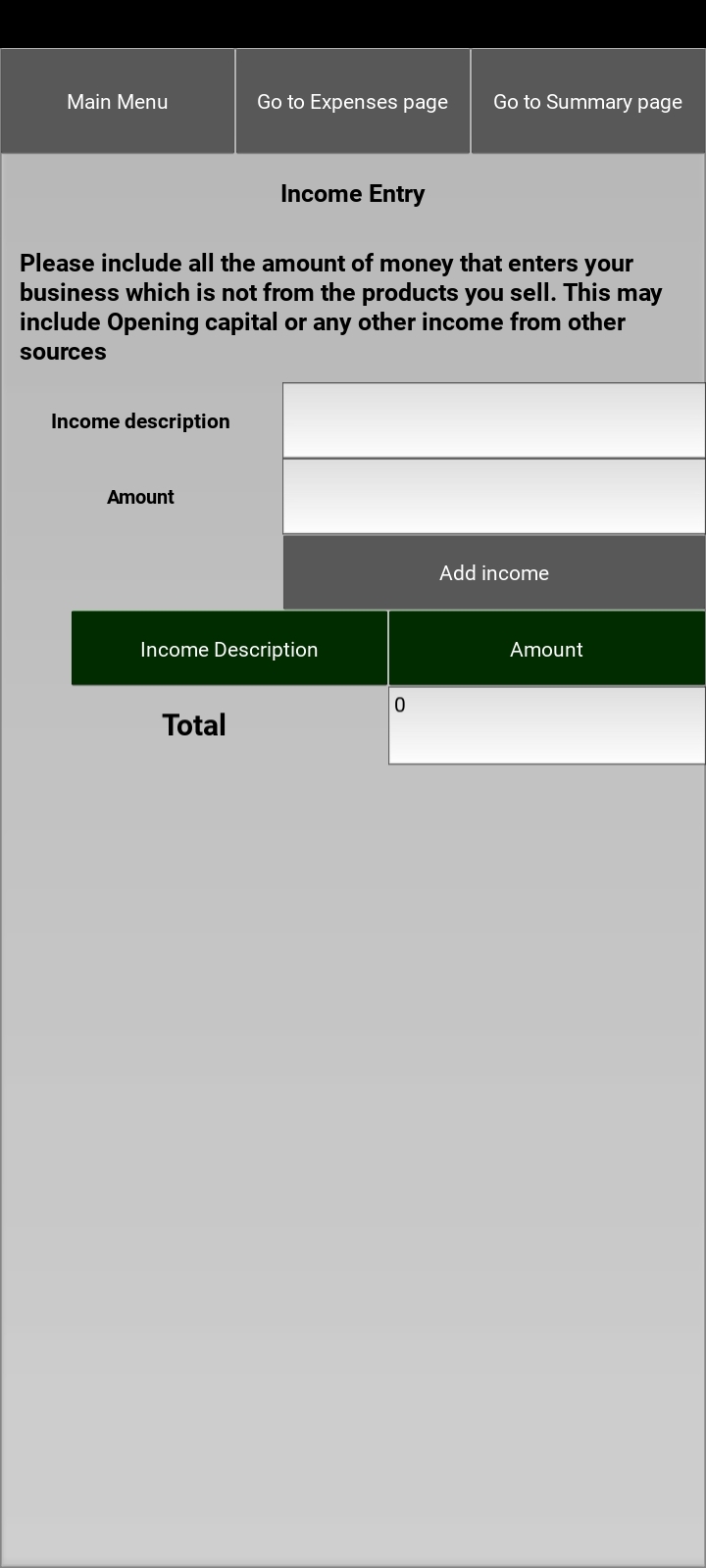
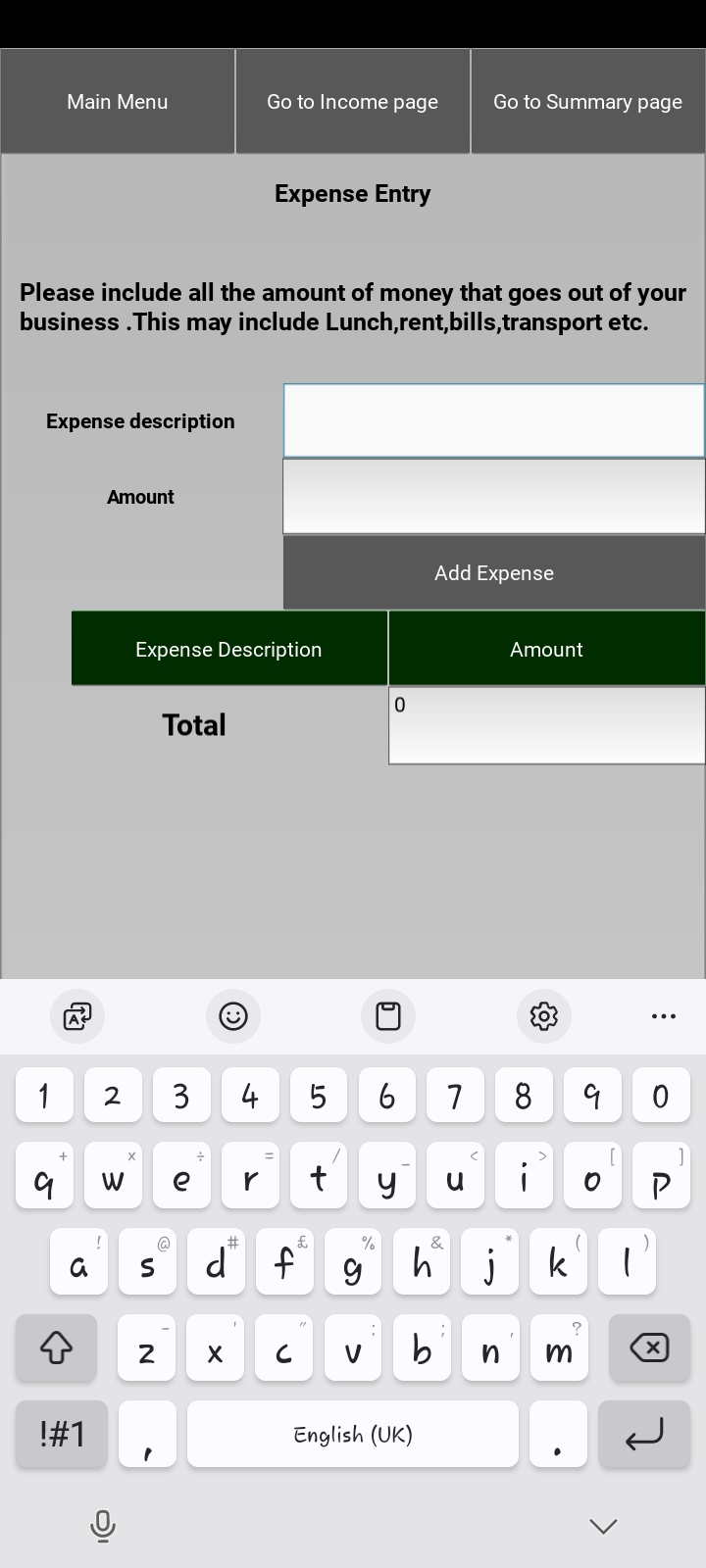
Easily record non-sales revenue and daily operational expenses to maintain an accurate view of your financial health.
Admin Console

User Management
Help & User Guide